Core Use Cases
1. Build out your full TAM to view company signals.
Start by setting up your ideal TAM under settings.
Explore the Intent feature to understand these signals and results.
2. Find SMB Owners and other contacts in the company
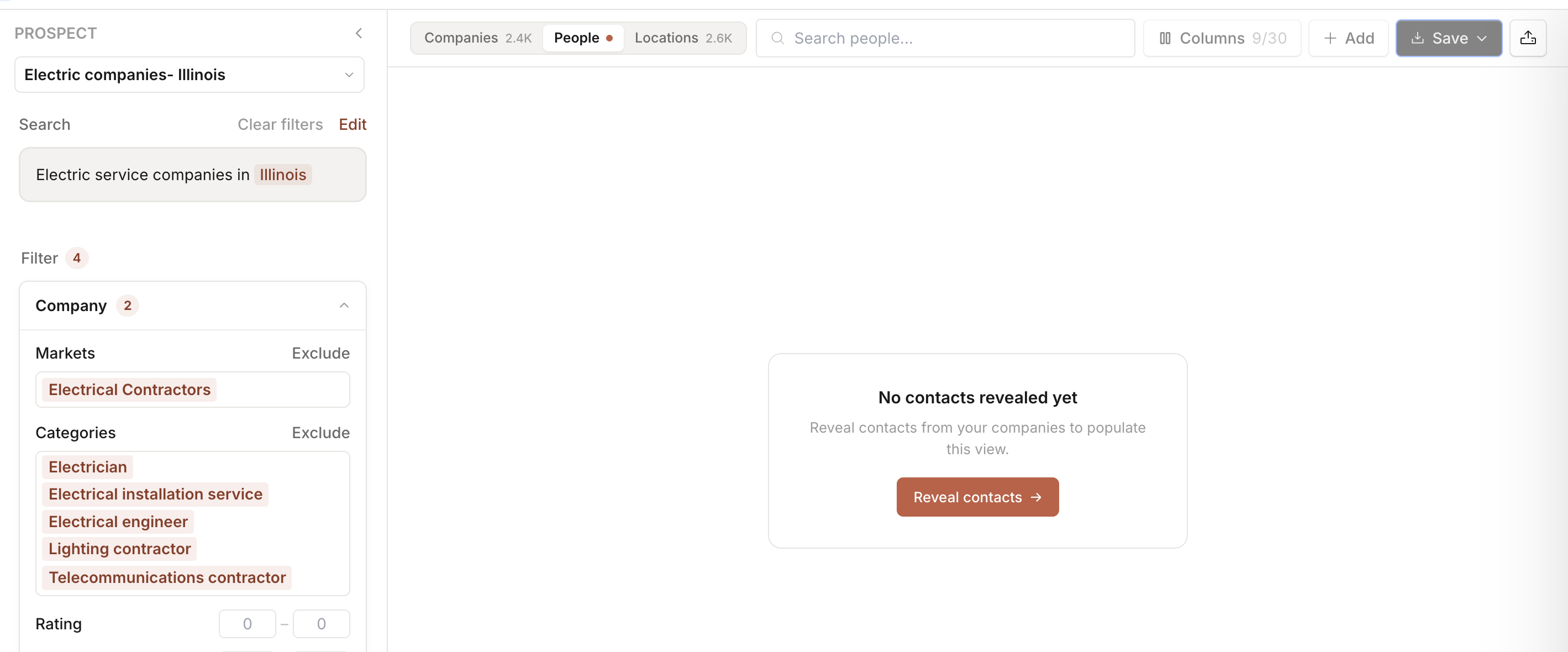
Start by heading to prospect to query your target ICP. (Example: Electric service companies in Illinois)
Once you see the list of companies aligned to your search, head to the People tab:
Explore our Reveal feature to display the relevant contacts.
Once revealed- use the 'People' based filters to filter by title, job function, LinkedIn, etc.
3. Build net-new prospect lists for outbound.
Start by heading to prospect to query your target ICP. (Example: Electric service companies in Illinois)
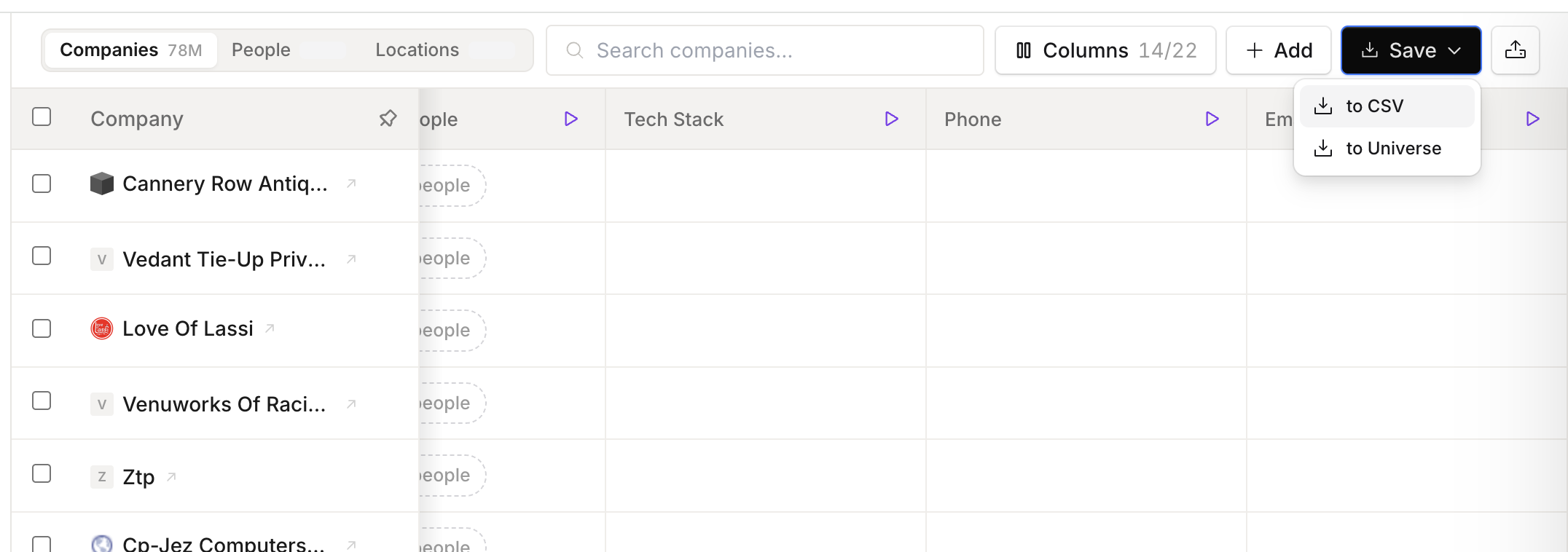
Once the prospect returns the list of companies, you can select companies to built a list, or save all the companies to a list.
Select 'Save' to save these to Universe, or export as a CSV.