
Personal
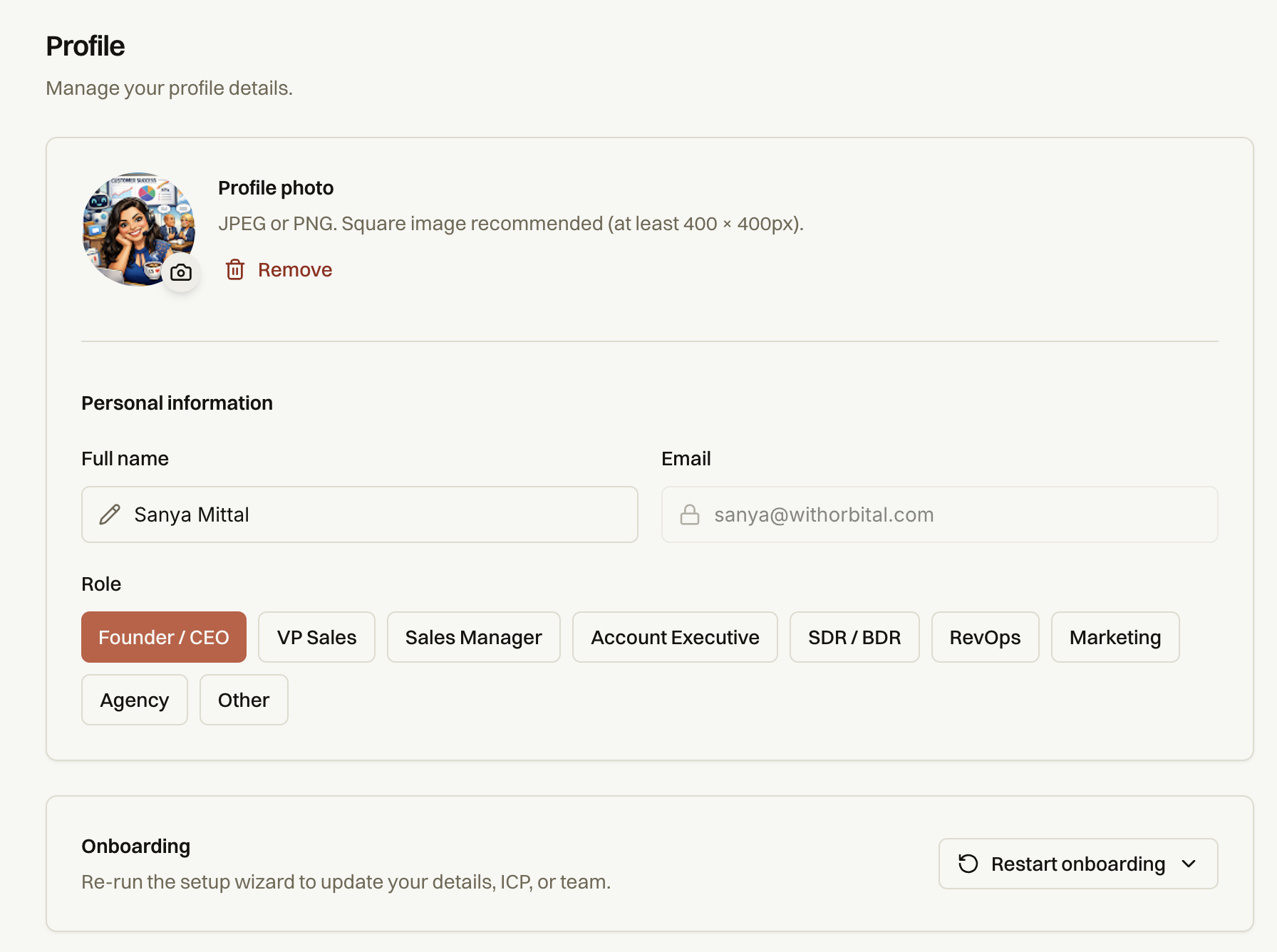
The personal settings section allows you to manage your profile.
Locate the three ellipses on the bottom left of your Orbital interface.
Click on the ellipses to navigate to the settings page.
1. Updating Your Profile
In the profile section, you can:
Update your profile picture (remove or change it).
Change your onboarding specifics that were entered on signing in.
Note: The email associated with your account cannot be edited.
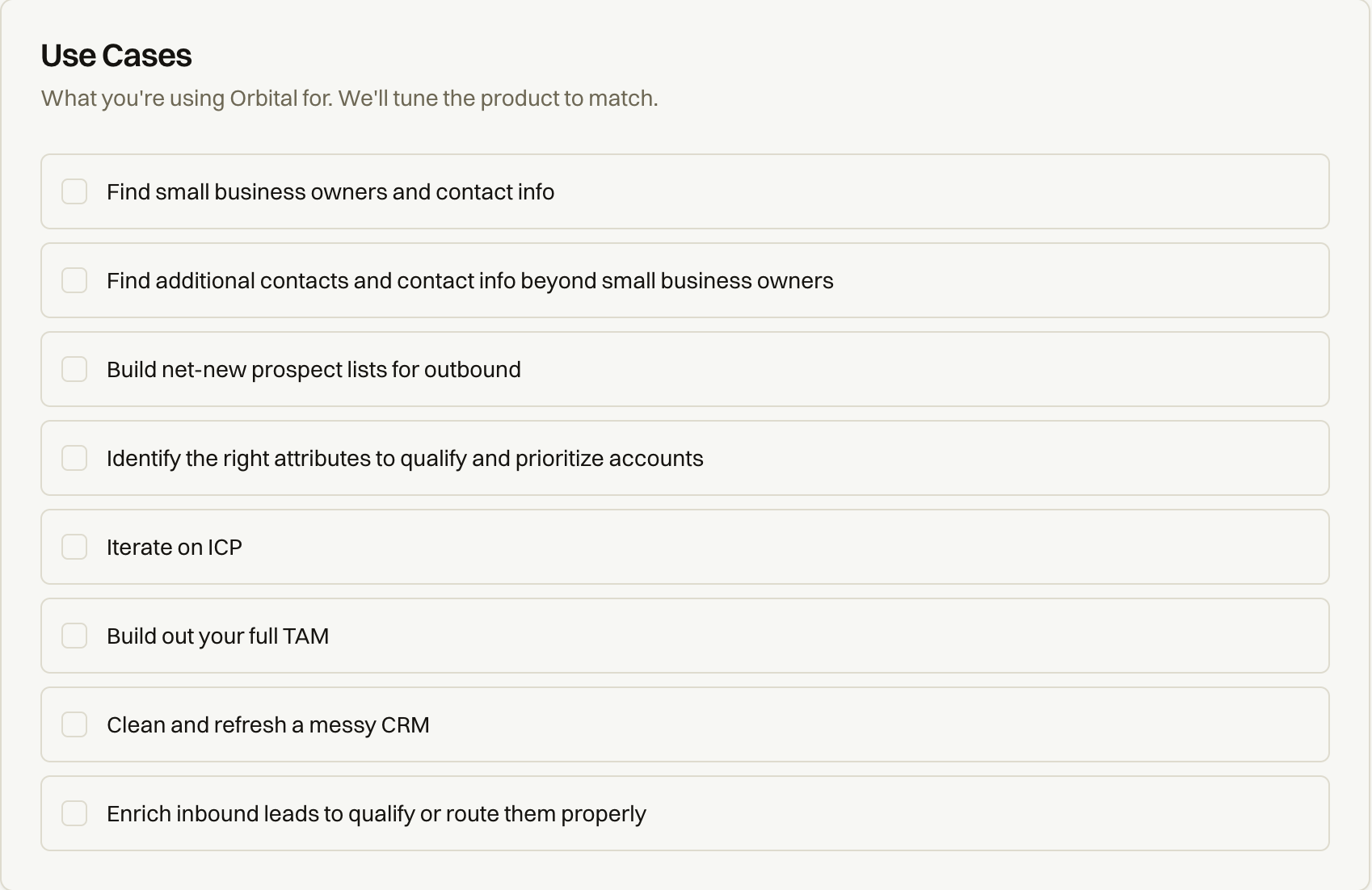
Use case Setup:
Enter what you're using Orbital for. We'll tune the product to match.
Authentication methods and Access Control:
Overview
The Security page allows you to manage security settings and authentication methods for your organization.
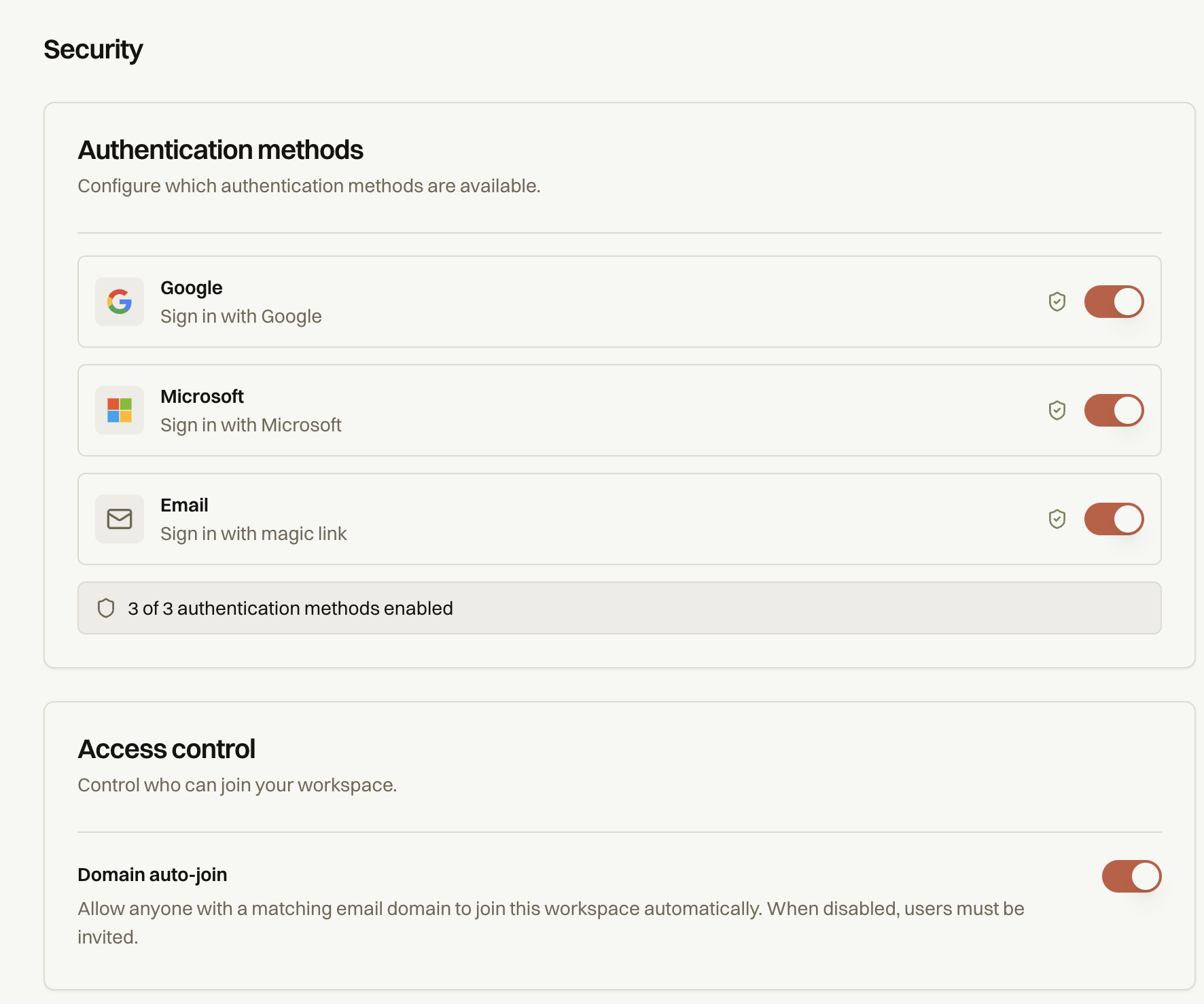
Authentication Methods
Configure which authentication methods are available to your organization's users.
Single Sign-On (SSO)
SSO configuration allows your organization to authenticate users through a centralized identity provider.
Access Control
Control who can join your workspace and how new members are added.
Domain Auto-Join
When enabled, anyone with a matching email domain can join your workspace automatically — no invitation required. When disabled, all new members must be explicitly invited by an existing workspace admin.
To toggle Domain Auto-Join:
Navigate to Settings → Security.
Scroll to the Access Control section.
Click the toggle next to Domain auto-join to enable or disable it.