Universe
Configure the objects that make up your data model.
Pre-requisite: Make sure you have already connected your CRM integration via Settings → Team-> Integrations. This page is the next step once your integration is live.
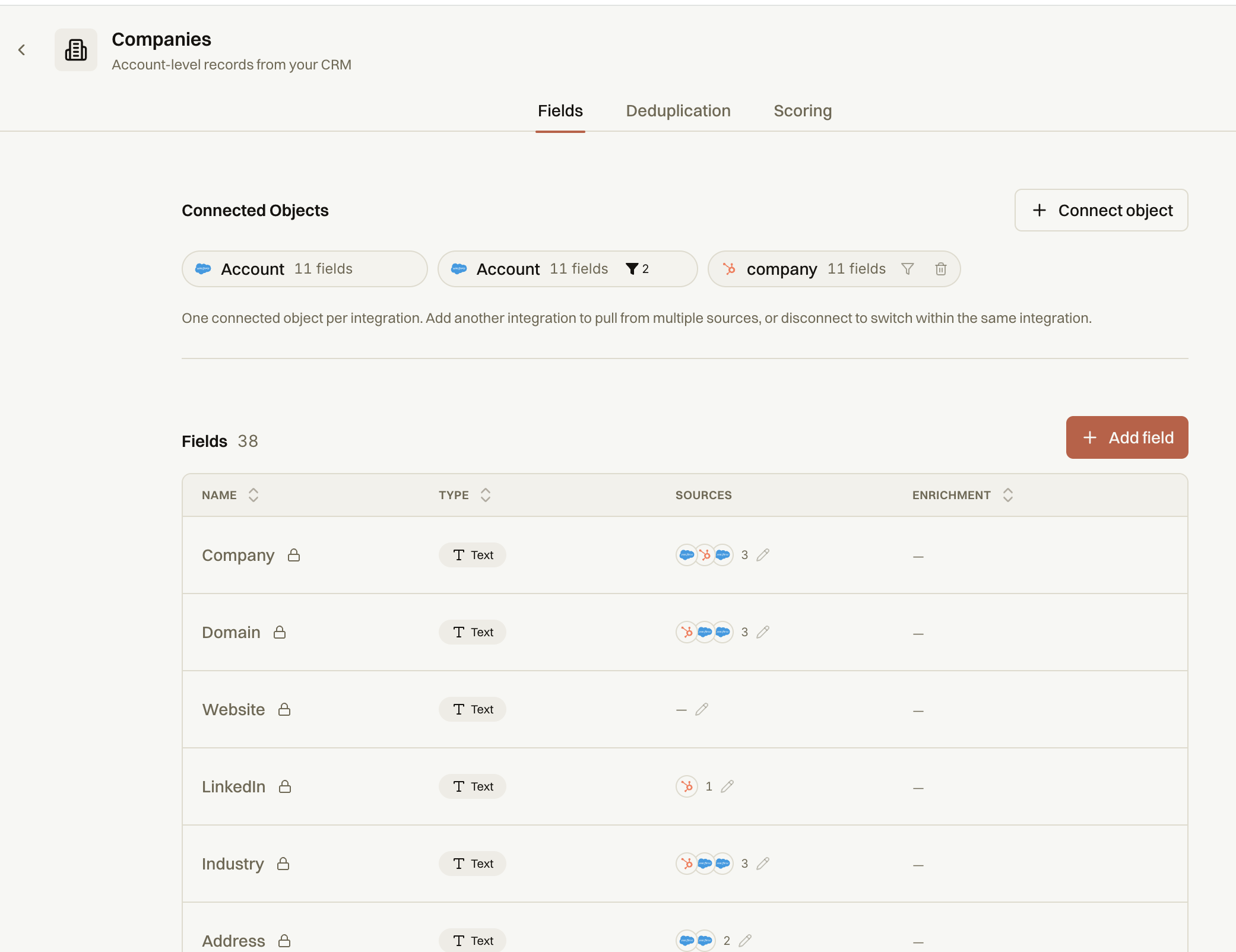
Mapping Fields:
Review default mappings for standard fields.
Manually update mappings if necessary.
Check that fields like 'Account Name' and 'Account Website' are correctly mapped.
Note that some mappings are locked by default and cannot be edited.
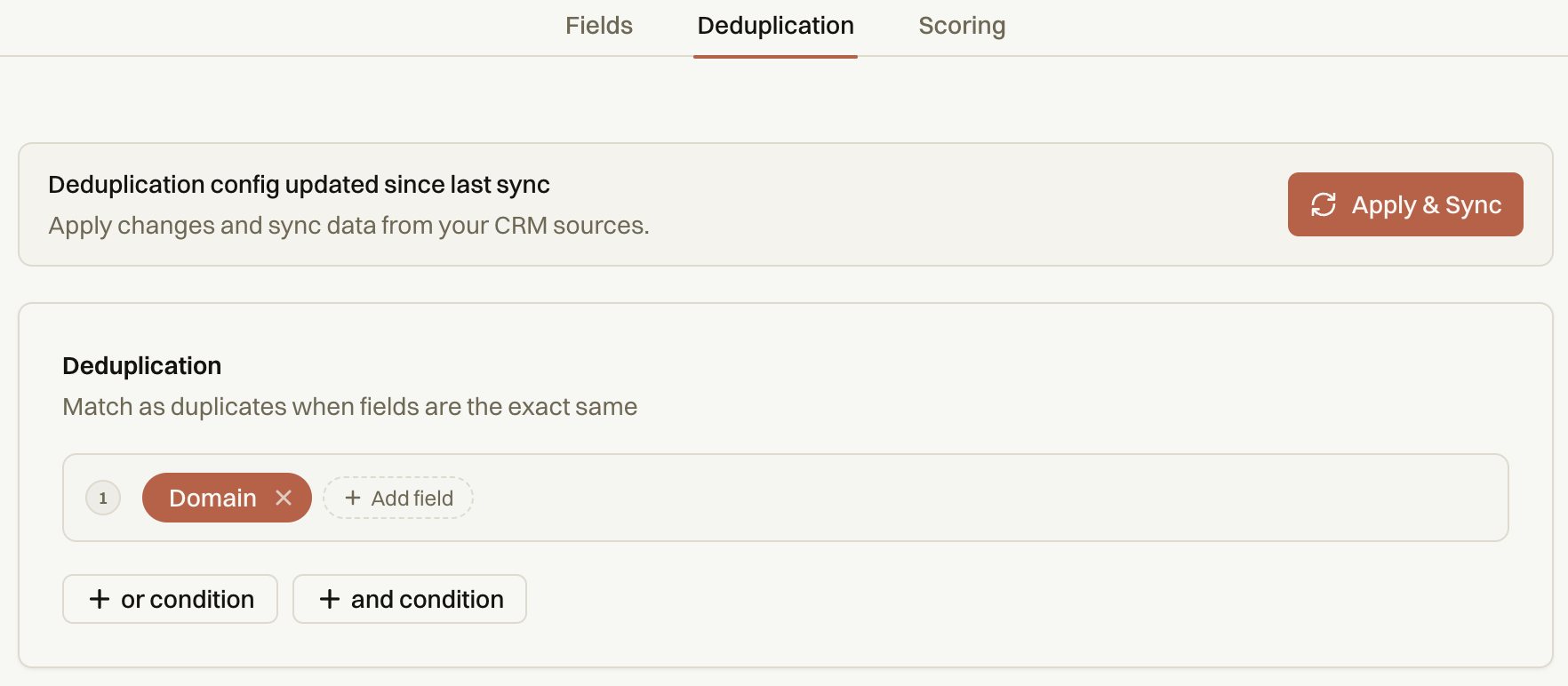
Deduplication:
When data is pulled from your CRM, there's a chance the same company appears more than once.
Deduplication tells Fairground how to automatically detect and handle these overlapping records so your data stays clean.
The default deduplication is on domain. Click Apply & Sync after selecting your rules.