
Enrich Prospect data
This article outlines the steps to enrich data by adding and mapping columns using agents in the Fairground app.
What are Agent Enrichments?
Agent enrichments are automated research columns you can add to any company, location, or person record in Orbital. Instead of manually researching accounts one by one, you add an enrichment column and Orbital runs it across your entire list — pulling in data from across the web, third-party sources, and AI in seconds per record.
You can use enrichments in Prospect to build smarter lists, or in your Universe to fill in gaps on accounts you're already working.
Step 1: Find prospects and the data you want to enrich
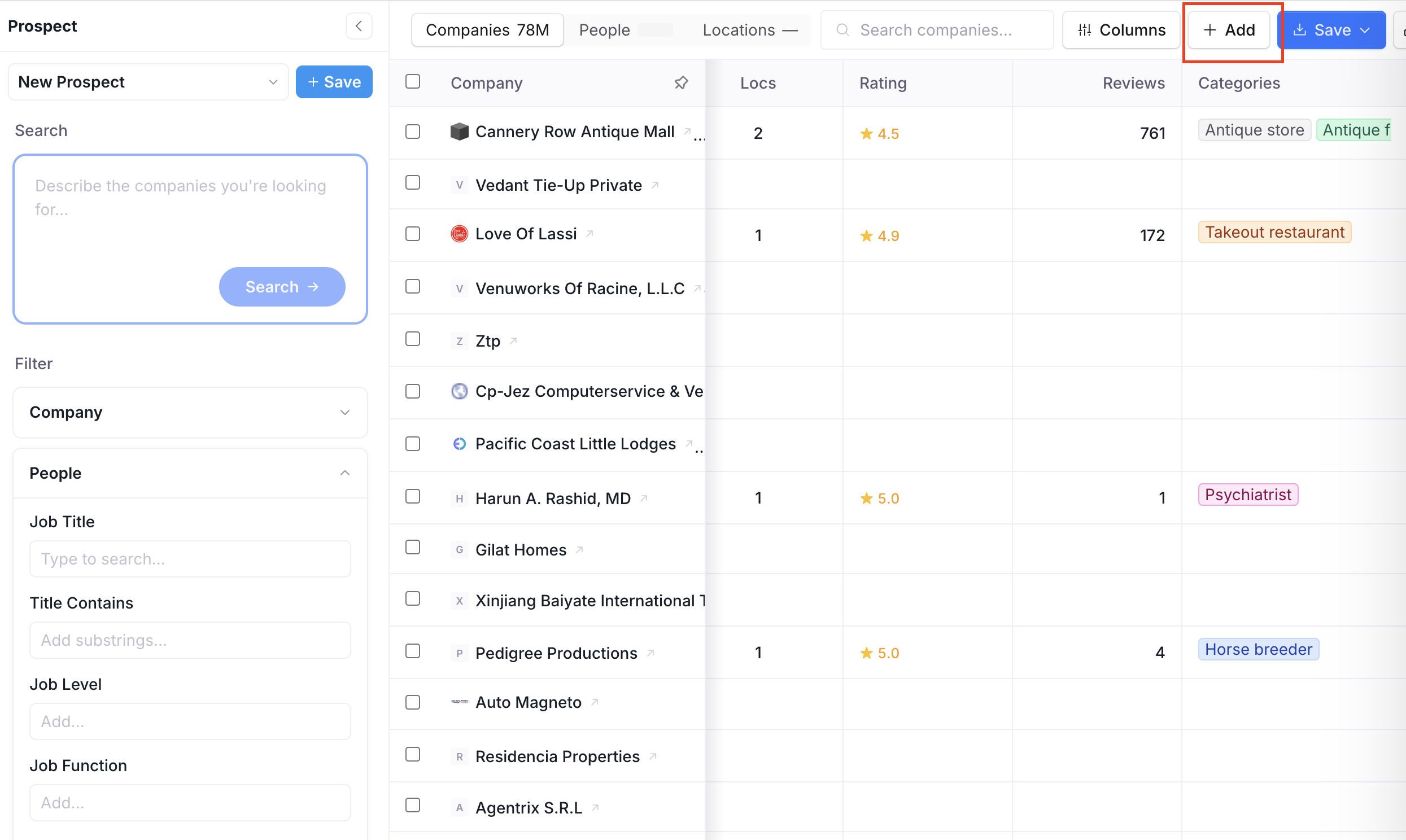
Begin by accessing the data you wish to enrich in Prospect.
Click on + Add to reveal the list of agents:
Select from a list of available agents for data enrichment. Example: Small Business Owner - To find the owners of the company data that you searched in your prospects.
A new column will be added, indicating the enrichment action (e.g., 'Find Small Business Owner').
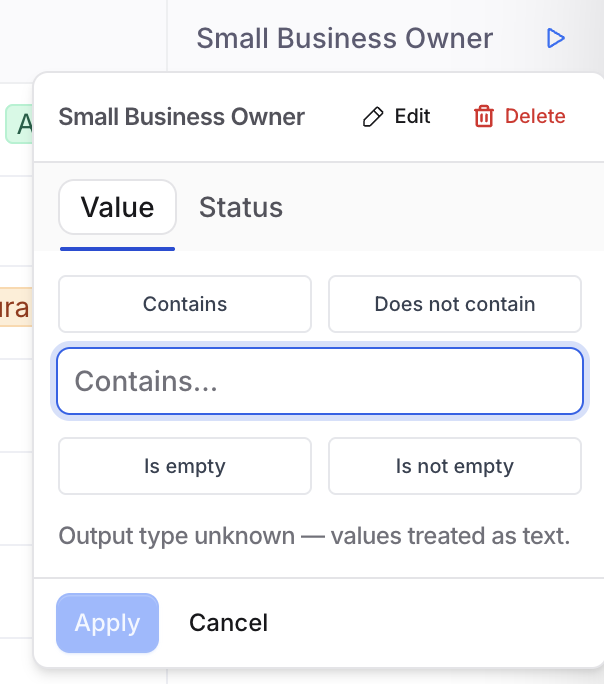
If desired, click on the column to edit inputs. Optional fields are good to map for a better output, but not mandatory.
Step 2: Run the Enrichment Process
To run the enrichment, click the 'play' shaped button.
Choose to run the enrichment on specific rows or all rows.
A pop-up will indicate that the enrichment process is running in the background.
Wait for the process to complete.
Best Practices for running Enrichments:
Run enrichments before saving to Universe. Prospect is the best place to enrich and filter. Add enrichment columns, use the results to narrow your list further, then save only the accounts that meet your criteria.
Use Ask Orb for anything custom. If there isn't a pre-built enrichment for what you need, Ask Orb can handle it. Just phrase your question clearly — "Does this company have a loyalty program?", "Is this business open on weekends?" — and it runs that research across every row.
Layer enrichments with filters. After an enrichment column populates, you can filter your Prospect table on the results. For example: run Tech Stack, then filter to only companies not using a POS system. This turns enrichment data into a targeting layer.